Create and check off your first habit in ShineDay
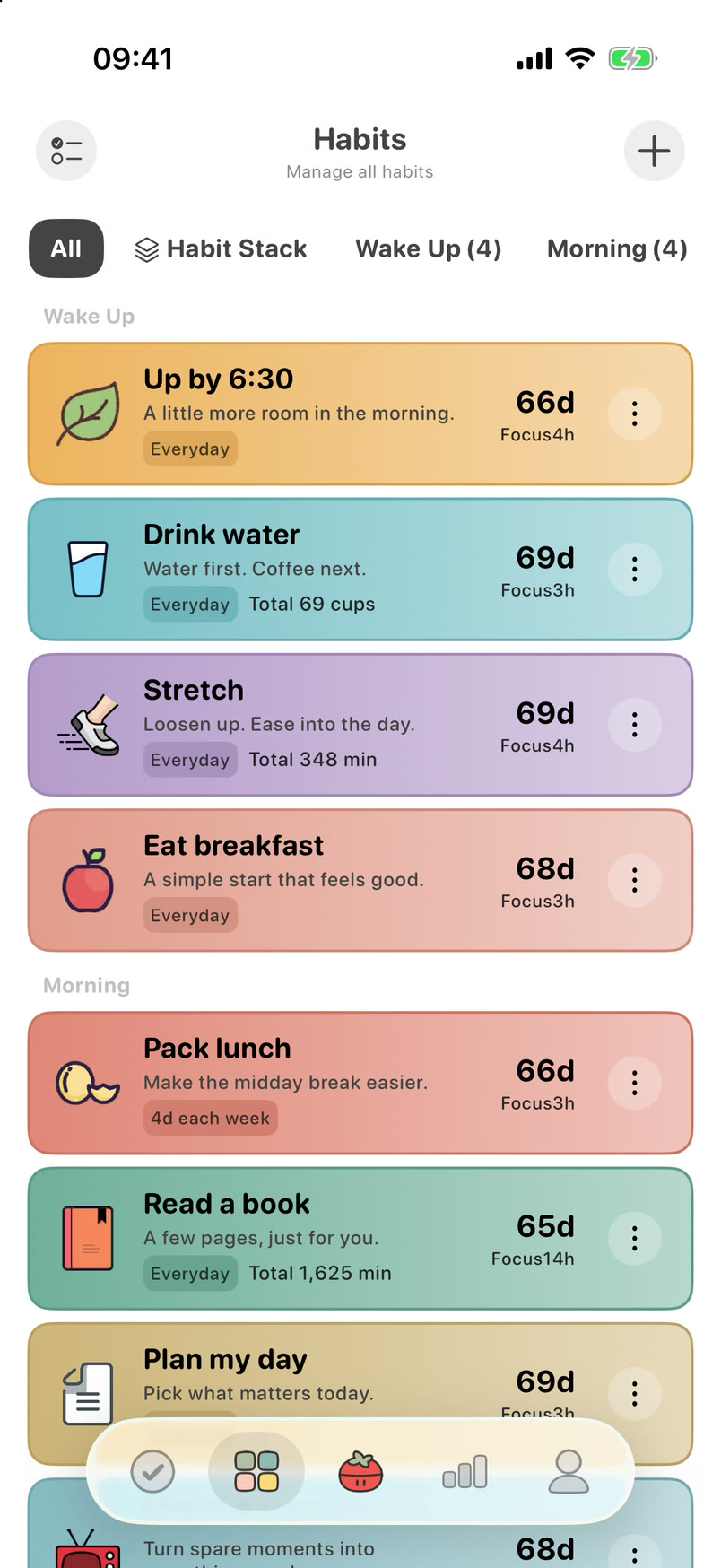
On your iPhone, open Habits and tap +. This example walks you through creating a bedtime habit called “Open my book” and checking it off tonight.
Choose Custom Check-in
Tap Custom Check-in. On the New Habit screen, enter “Open my book” as the name. That’s the action you’ll see on Today.
Set up a daily check-in
Set the habit to repeat every day. Leave Quick Check-in on so you can log it with one tap, then tap Create habit.
Check it off on Today
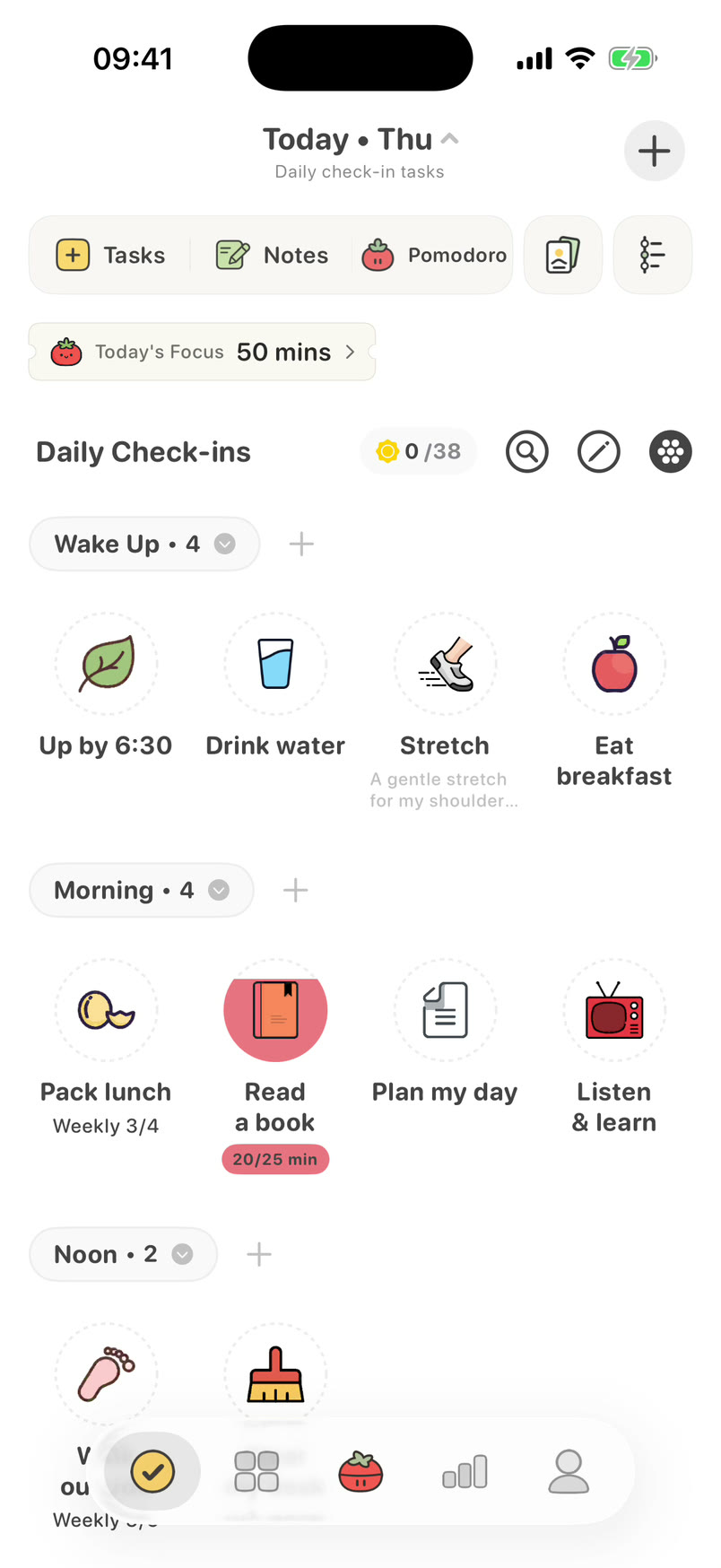
Tonight, open your book. Go to Today and tap “Open my book” once. Opening the book counts as today’s check-in. Read on if you feel like it.
Printable Habit Tracker Template
Further reading · BJ Fogg’s guide to starting tiny