Set up morning habits in ShineDay
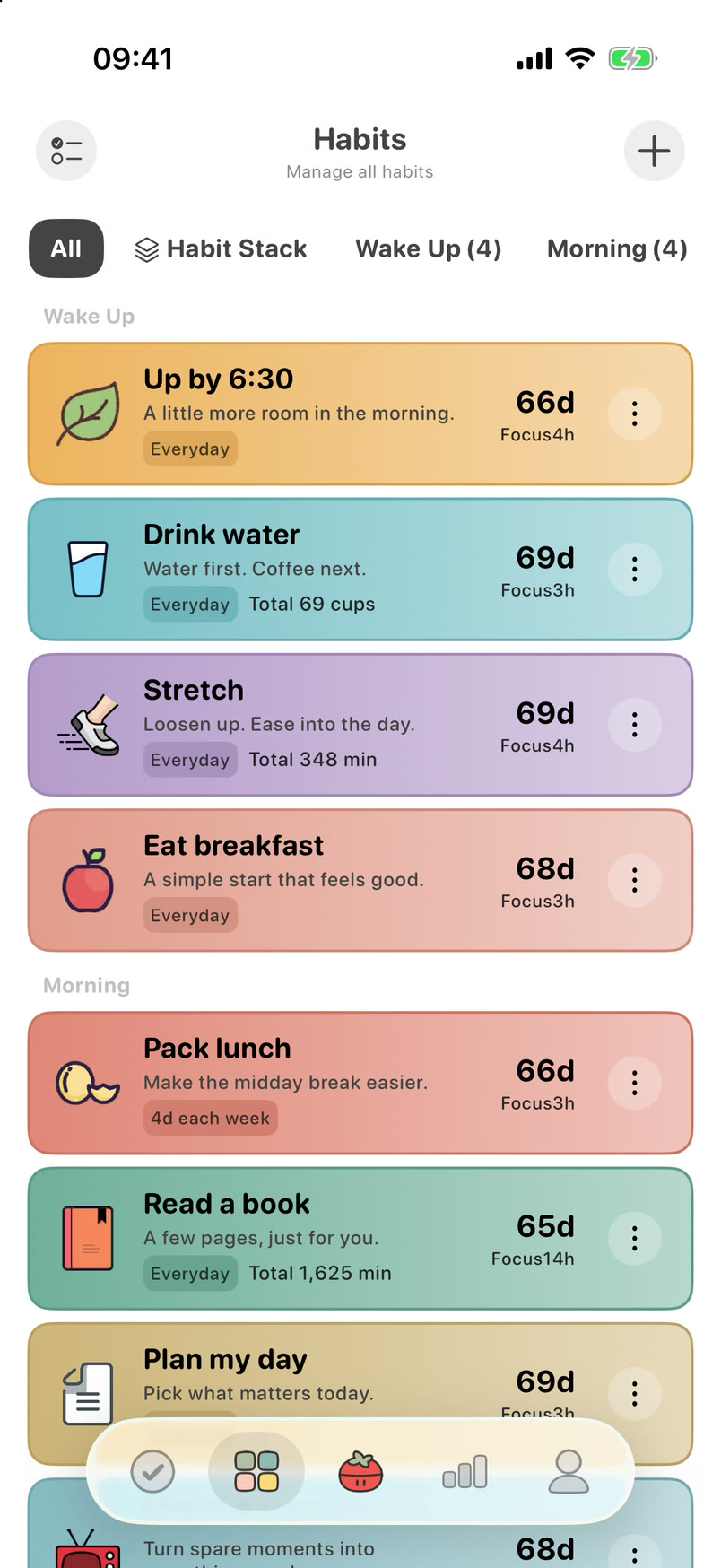
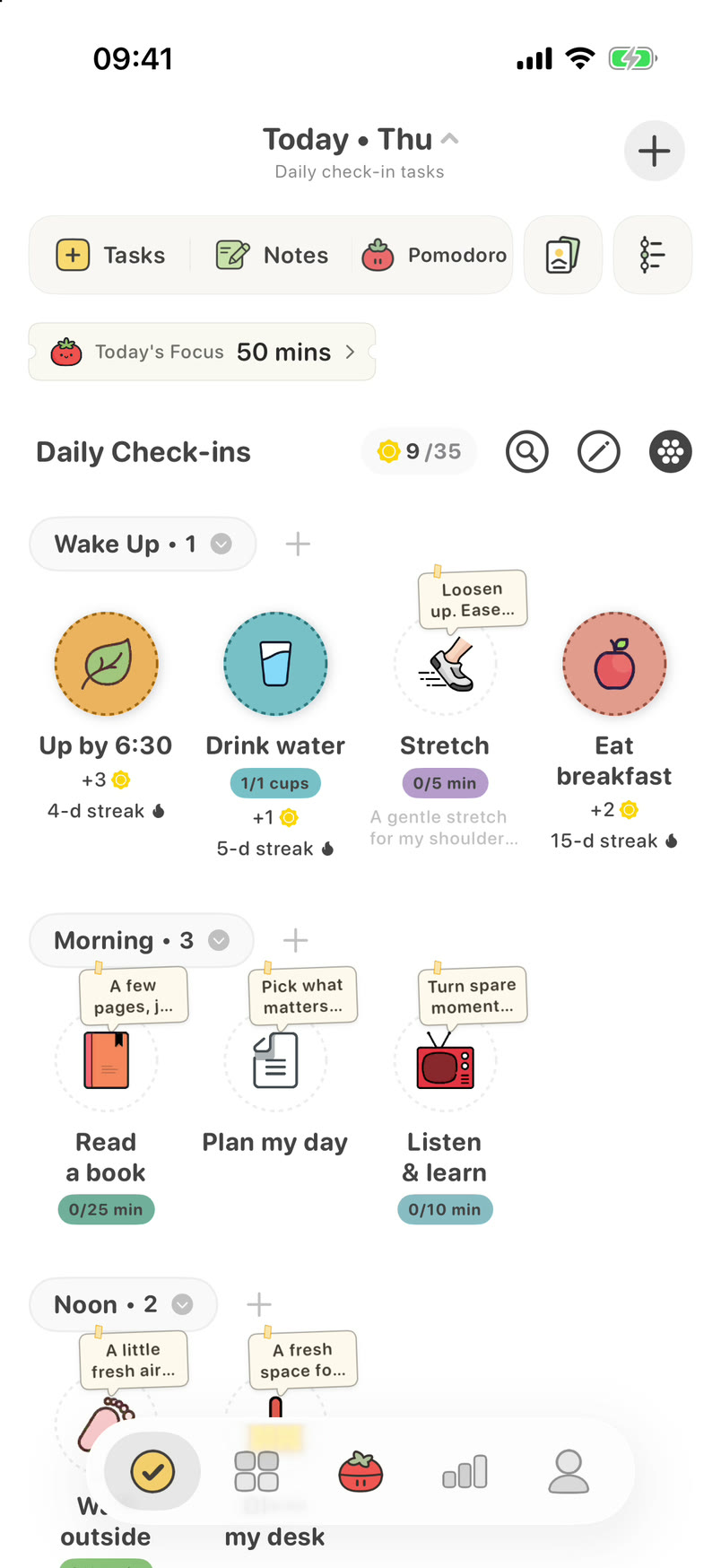
On iPhone, choose Morning as the context for each habit you want to see together on Today. Start with one, such as drinking a glass of water after brushing your teeth.
Create a morning habit
Open Habits, tap +, and choose Custom Check-in. Name the habit “Drink a glass of water” and choose the days you want to do it.
Choose the Morning context
Tap Context, select Morning, then tap Done. Leave Quick Check-in on, then tap Create habit. To put another habit beside it, such as “Read one page,” choose Morning for that habit too.
Check in under Morning
On a scheduled day, open Today and find “Drink a glass of water” under Morning. Tap it after you drink. If you also added “Read one page,” tap that one when you finish reading.